
Appearance
Installing Salome
Before beginning any simulation, the first step is to create a geometry and generate a mesh — the foundation of every computational model.
We recommend using Salome for this purpose, an open-source pre-processing platform that is both powerful and flexible, making it ideal for research and engineering workflows.
Why Salome
Salome is a professional-grade platform designed for 3D modeling, meshing, and pre-processing. It combines a graphical interface (GUI) for interactive modeling with a Python scripting interface, allowing you to automate and parametrize your workflows.
This dual capability makes Salome particularly effective for parametric studies — where geometry or boundary conditions need to be varied systematically. With Salome, you can:
- Build and edit 2D and 3D geometries
- Assign region and surface markers for simulation domains
- Generate high-quality finite element meshes
- Automate repetitive modeling using Python scripts
- Export meshes directly into
.medformats for use in FEniCS or other solvers
Its combination of visual control and automation makes it one of the most efficient tools for preparing complex simulation models.
Installing Salome on Windows
Go to the official Salome download page: https://www.salome-platform.org/downloads
Under the Windows section, download the latest version installer (for example,
SALOME-9.x.x-WIN64.exe).Recommendation: We suggest downloading version 9.10, as it is widely used and provides robust support across different operating systems.
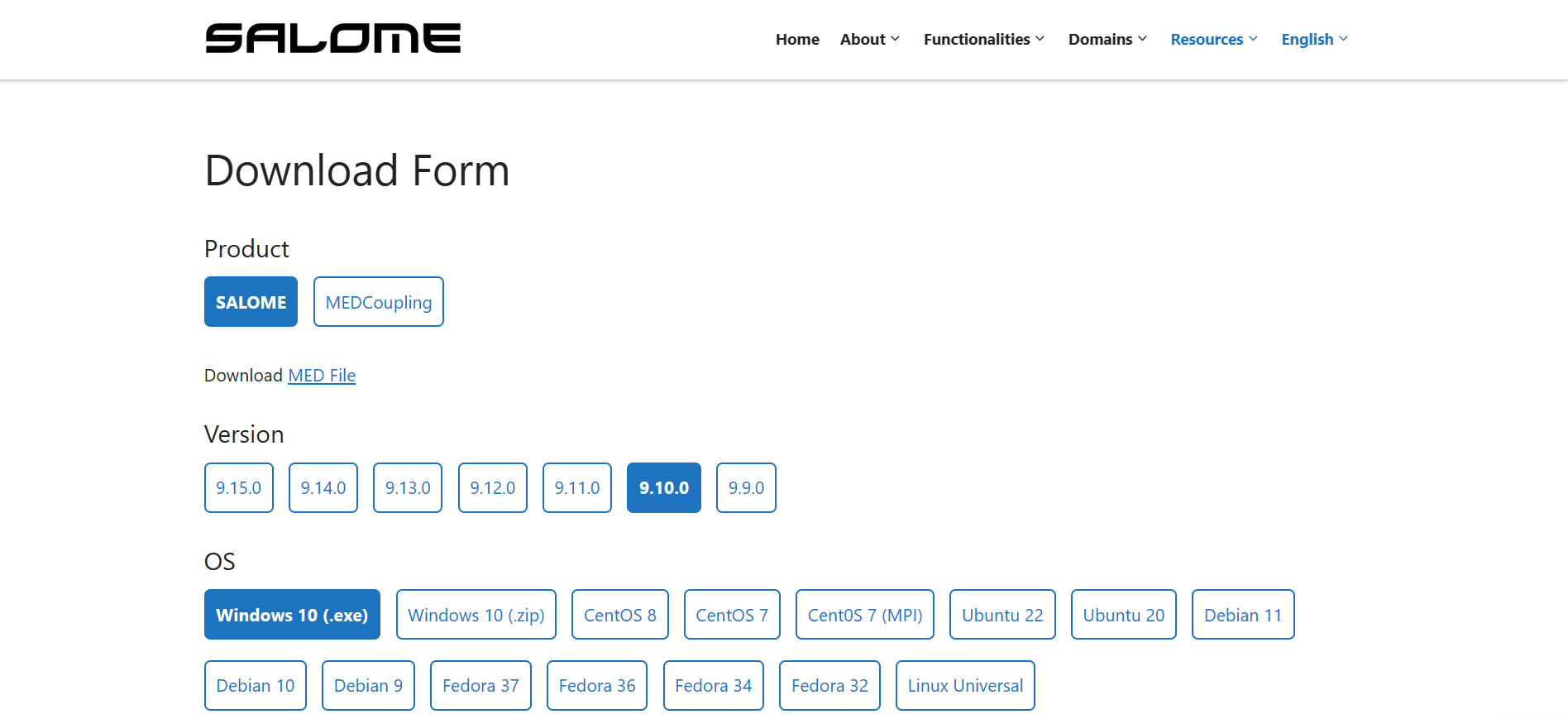 3. Once downloaded, double-click the installer and follow the on-screen instructions.
- Choose the installation directory (default is fine for most users).
- Complete the setup process — it will automatically configure all dependencies.
- After installation, launch Salome from the Start Menu. You should see the Salome main interface, featuring modules such as Geometry, Mesh, Post-Pro, and Python Console.
Tip: It’s recommended to run Salome from a folder path without spaces or special characters (e.g.,
D:\codes\Salome\), as this helps avoid Python path-related issues during scripting.
Installing Salome on macOS
Visit the same official download page: https://www.salome-platform.org/downloads
In the macOS section, download the latest
.dmginstaller (for example,SALOME-9.x.x-MACOS.dmg).Once downloaded, open the
.dmgfile and drag the Salome application into your Applications folder.Launch Salome from Launchpad or Spotlight search. The first startup may take a few minutes while modules are initialized.
Note: On macOS, you might see a security warning the first time you open Salome. If that happens, go to System Settings → Privacy & Security and click Open Anyway next to the warning message.
Summary
You’ve now successfully installed Salome — the tool that bridges the gap between design and simulation.
With its combination of GUI-based modeling and Python-driven automation, Salome enables you to:
- Build and edit geometries efficiently
- Create reusable, parameterized designs
- Generate structured and unstructured meshes with full control
- Integrate directly with FEniCS for simulation-ready workflows
In the next section, we’ll explore the Salome Interface and learn how to create your first geometry.