
Appearance
Pull Requests and Issues
When working in large teams where multiple people are contributing to the same repository, it’s common for changes to happen in several branches at once. In such cases, pull requests and issues become essential tools for keeping work organized, reviewed, and conflict-free.
However, in most general or small-scale collaborative setups — such as internal documentation, short research projects, or one-on-one studies — you may not need to use pull requests or issues frequently. They are mainly valuable in larger projects where many contributors are making updates simultaneously.
This page explains what pull requests and issues are, when to use them, and how they help manage collaborative work effectively.
Understanding Pull Requests
A pull request (PR) is a request to merge changes from one branch into another — typically from your feature branch into the main branch. It allows your teammates to review, comment on, and approve your work before it becomes part of the main project.
Pull requests are used to:
- Review and discuss code or documentation changes
- Ensure version consistency and quality before merging
- Maintain a transparent record of contributions
Creating a Pull Request
Once your branch is pushed to GitHub, follow these steps to open a pull request:
Go to your repository on the GitHub website.
You’ll usually see a banner suggesting you create a pull request — click Compare & pull request. If not, go to the Pull requests tab and click New pull request.
In the comparison menu:
- Base branch:
main - Compare branch: the branch you worked on (e.g.,
update-fenics-guide)
- Base branch:
Add a clear title and a short description explaining what the pull request does. Example:
Updated FEniCS installation section and added Jupyter setup steps.Click Create pull request.
Your pull request is now open for review. Other contributors can view the changes, comment, and suggest edits.
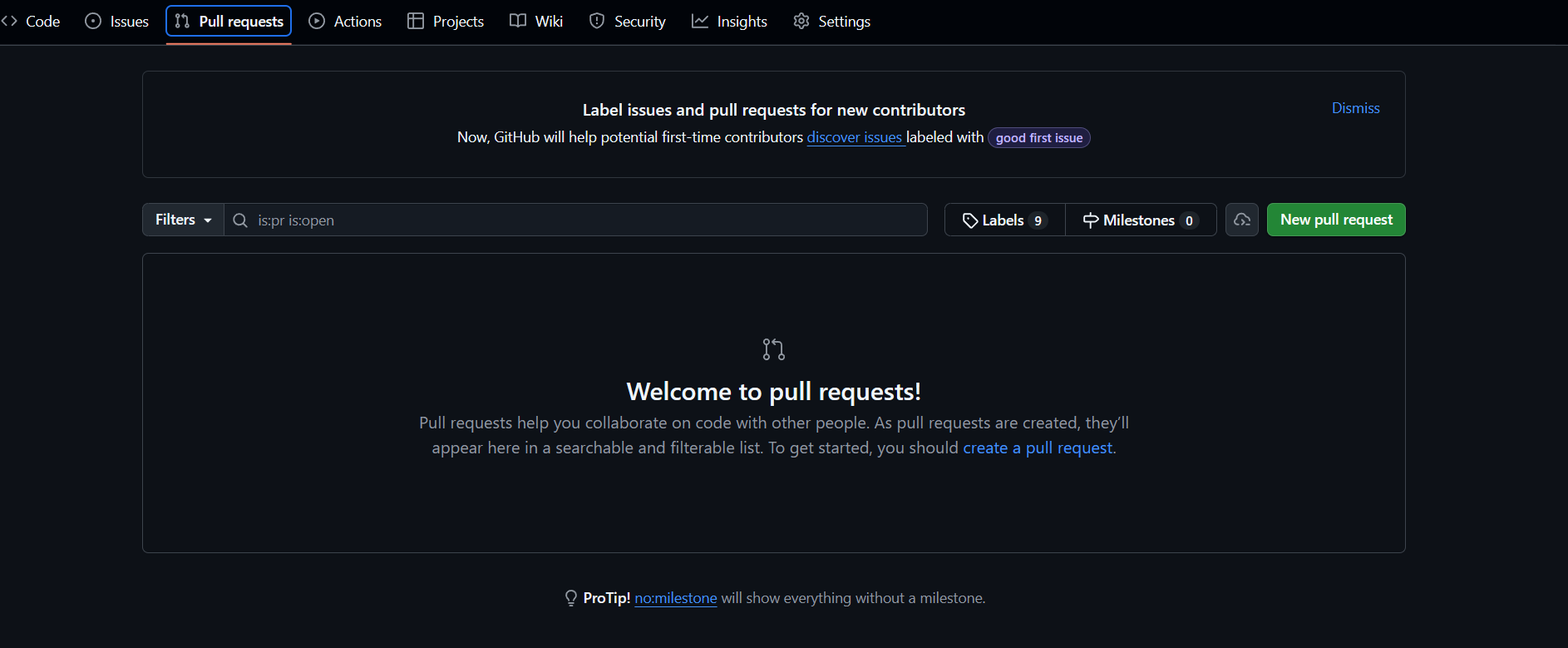
Tip: Always double-check that your pull request targets the correct base branch before creating it.
Reviewing and Merging Pull Requests
Once a pull request is open, there are typically two review stages:
- Review phase – Teammates or project leads will review your changes. They may leave comments or suggestions.
- Merge phase – Once approved, the pull request can be merged into the main branch.
After approval:
- Go to the pull request page on GitHub.
- Click Merge pull request.
- Confirm by clicking Confirm merge.
- Once merged, click Delete branch to clean up the feature branch (optional but recommended).
The main branch now includes your updates, and the branch you worked on can safely be removed.
Note: Only project maintainers or authorized members should merge pull requests into shared repositories.
Understanding Issues
Issues are GitHub’s built-in tool for tracking work — like tasks, bugs, suggestions, or discussions. They’re essential for managing open research tasks, reporting simulation errors, and maintaining clear communication across teams.
You can use issues to:
- Report problems or bugs in simulation scripts
- Request new features or workflow improvements
- Document discussions or feedback during ongoing studies
- Assign tasks to specific contributors
Creating an issue:
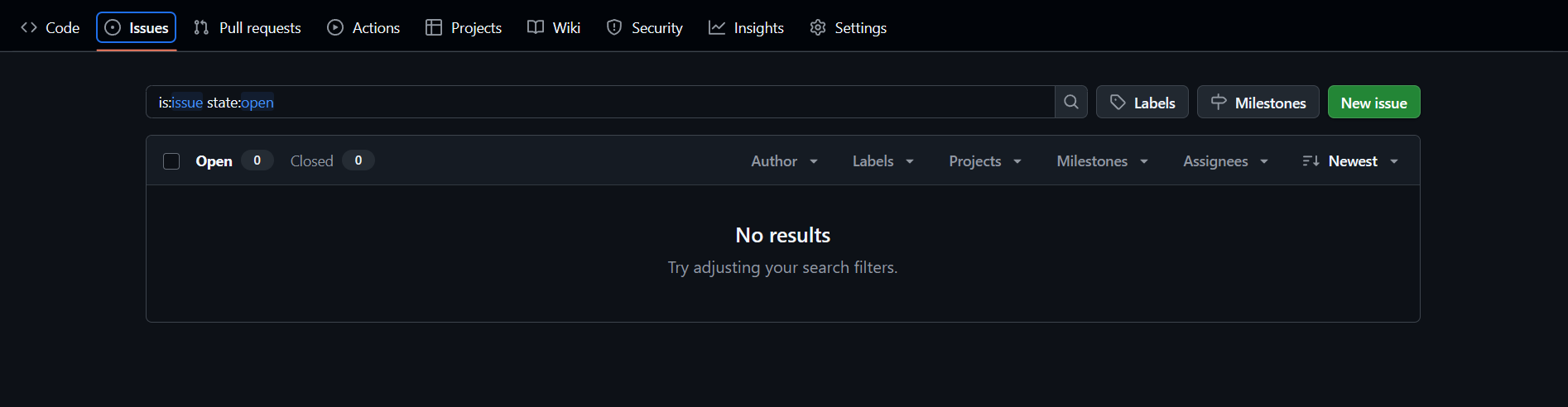
Go to the Issues tab of the repository.
Click New issue.
Add a descriptive title and a short explanation of the problem or task. Example:
Mesh conversion script fails when .med file has region markersOptionally, assign it to a team member and apply a label (e.g.,
bug,enhancement, ordocumentation).Click Submit new issue.
Issues help keep all discussions organized and linked directly to related pull requests.
Linking Pull Requests and Issues
You can link pull requests to issues so that when the pull request is merged, the issue automatically closes. In your pull request description, include one of the following keywords followed by the issue number:
Fixes #12
Closes #5
Resolves #8
This creates a direct connection between the issue and the pull request, ensuring that completed tasks are automatically tracked.
Summary
You’ve now learned how collaboration happens on GitHub through pull requests and issues:
- Pull requests are used to review and merge changes into the main branch
- Issues are used to track tasks, bugs, and ideas across the project
- Both together create a transparent, traceable workflow for simulation projects
Using these tools consistently ensures that every study or project stays organized, reviewable, and well-documented.