
Appearance
Understanding Images, Containers, and Registries
Before we start running FEniCS inside Docker, it’s important to understand three key terms you’ll see often — images, containers, and registries. Think of them as the building blocks of how Docker works.
Docker Images
A Docker image is like a blueprint or recipe. It defines everything your simulation needs — the operating system, Python, FEniCS, meshio, and any custom scripts.
You don’t run an image directly; instead, you use it to create a container (just like a class creates an object, if you’re familiar with programming).
Example:
- A FEniCS image might be called
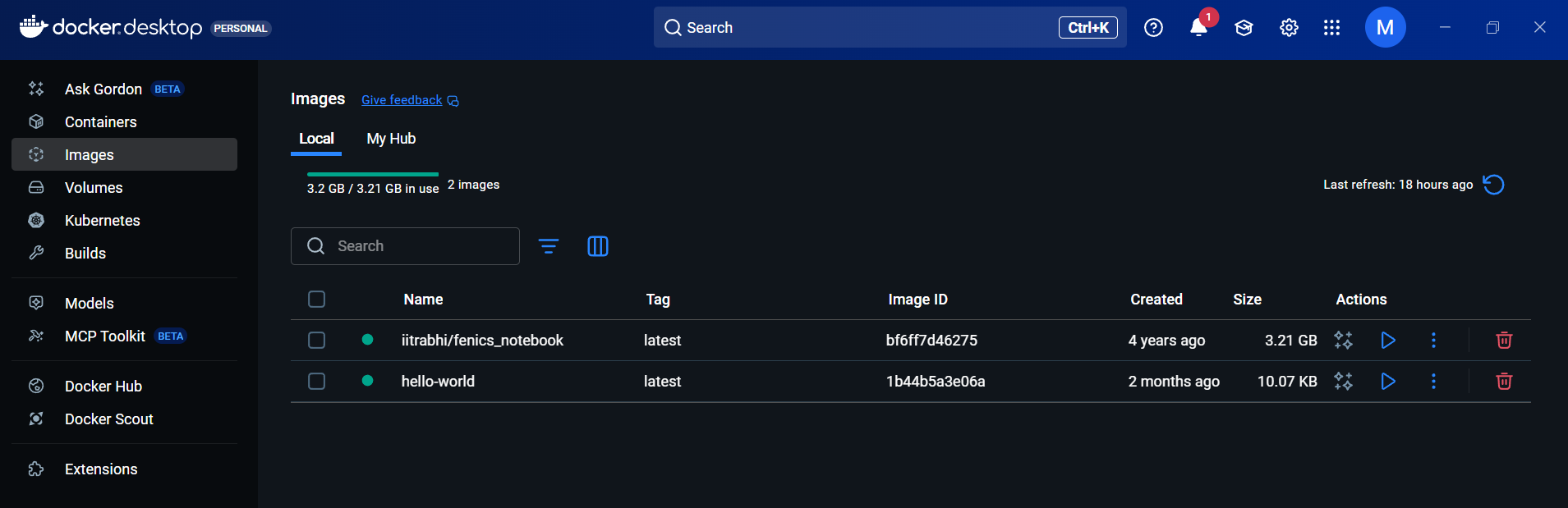
iitrabhi/fenics_notebook. - It contains Ubuntu + FEniCS + Python + libraries.
You can download this image using:
bash
docker pull iitrabhi/fenics_notebookAnd once downloaded it should be visible in the docker images list:
Docker Containers
A container is a running instance of an image. It’s like having your own mini computer that runs inside your main system — with everything pre-configured.
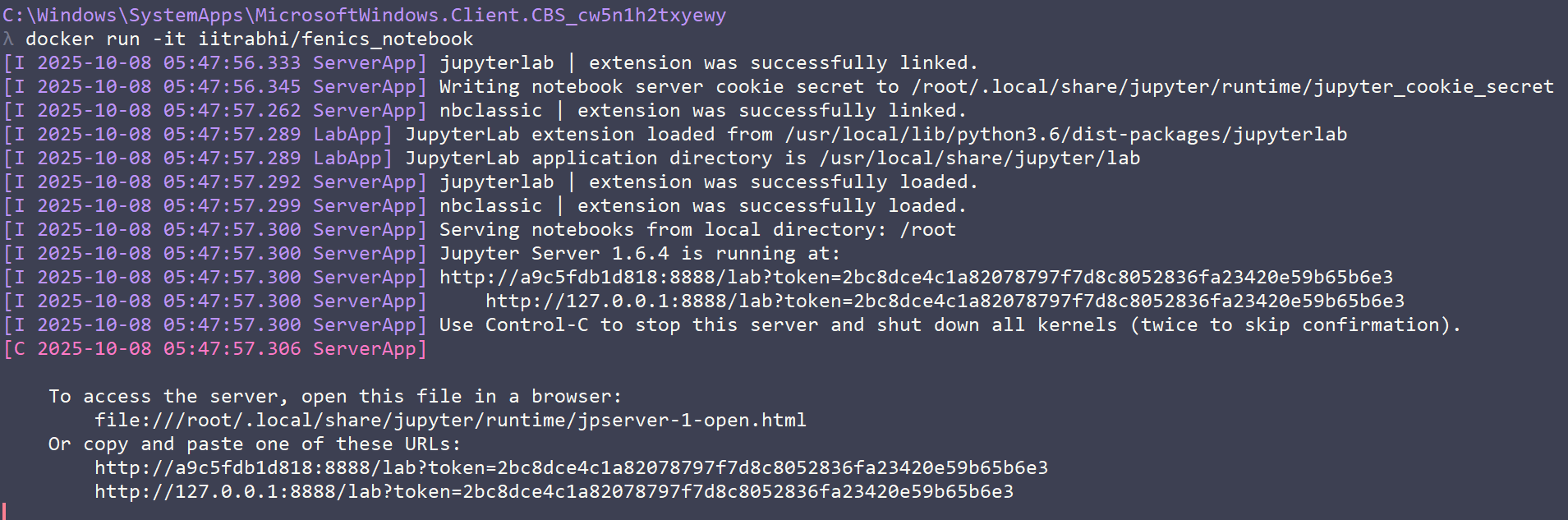
You can create and start a container using:
bash
docker run -it iitrabhi/fenics_notebookOnce inside, you’ll get a terminal where FEniCS is ready to use — no setup, no installations, just simulation.
When you stop the container, all changes stay inside it unless you save or export them.
Docker Registries
A registry is where Docker images are stored and shared — like a library for simulation environments.
The main public registry is Docker Hub (https://hub.docker.com), where you can find ready-to-use images such as:
fenicsproject/stableparaview/paraviewubuntu
You can also create your own private registries to store internal project images.
In Simple Terms
| Concept | Analogy | Purpose |
|---|---|---|
| Image | A recipe | Defines what goes inside your simulation environment |
| Container | A dish made from the recipe | A running environment where you actually execute code |
| Registry | A recipe library | A place to find and share images |
Summary
In short:
- Images define your environment.
- Containers run your environment.
- Registries store and share them.
In the next section, we’ll use these concepts to run FEniCS inside a Docker container and see how simple it is to launch a ready-to-use simulation environment.