
Appearance
Introduction to Obsidian
As you start working on simulations and research projects, keeping your work documented is just as important as running the studies themselves. At Avkalan Labs, we use Obsidian as our central documentation tool — it helps you record progress, compile results, and organize every detail of your work in one connected space.
This page introduces what Obsidian is, how to install it, and how it fits into your daily workflow.
What is Obsidian
Obsidian is a lightweight, markdown-based note-taking and knowledge management application. It allows you to create linked notes, embed media, and build an internal knowledge graph — making it ideal for managing research documentation, project records, and reference materials.
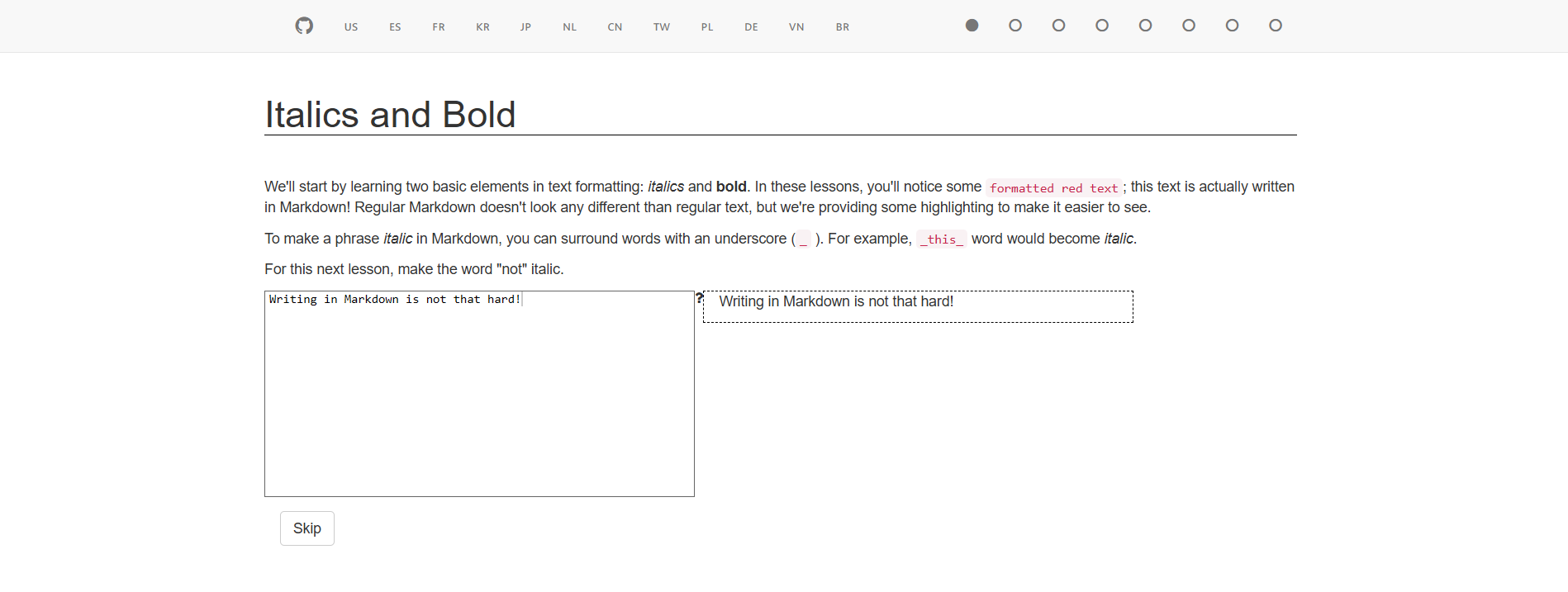
If you’re not already familiar with Markdown, it’s worth going through this short interactive tutorial before you begin: https://www.markdowntutorial.com/ It covers the basic syntax for writing clean, well-structured notes that Obsidian uses by default.
Unlike cloud-based tools, Obsidian works directly with files on your system. This means your notes are stored locally as .md files, which can be version-controlled with Git and shared easily with your team.
At Avkalan Labs, Obsidian is used as a research vault — a connected space that combines technical notes, project logs, and experiment results in one place.
Downloading and Installing Obsidian
You can install Obsidian easily on both Windows and macOS systems.
For Windows
- Visit the official website: https://obsidian.md/download
- Download the Windows Installer (.exe) file.
- Run the installer and follow the default setup steps.
- Once installed, Obsidian will appear in your Start Menu.
For macOS
- Visit the same page: https://obsidian.md/download
- Download the macOS (.dmg) version.
- Open the
.dmgfile and drag the Obsidian icon into your Applications folder. - Launch Obsidian from Launchpad or Spotlight search.
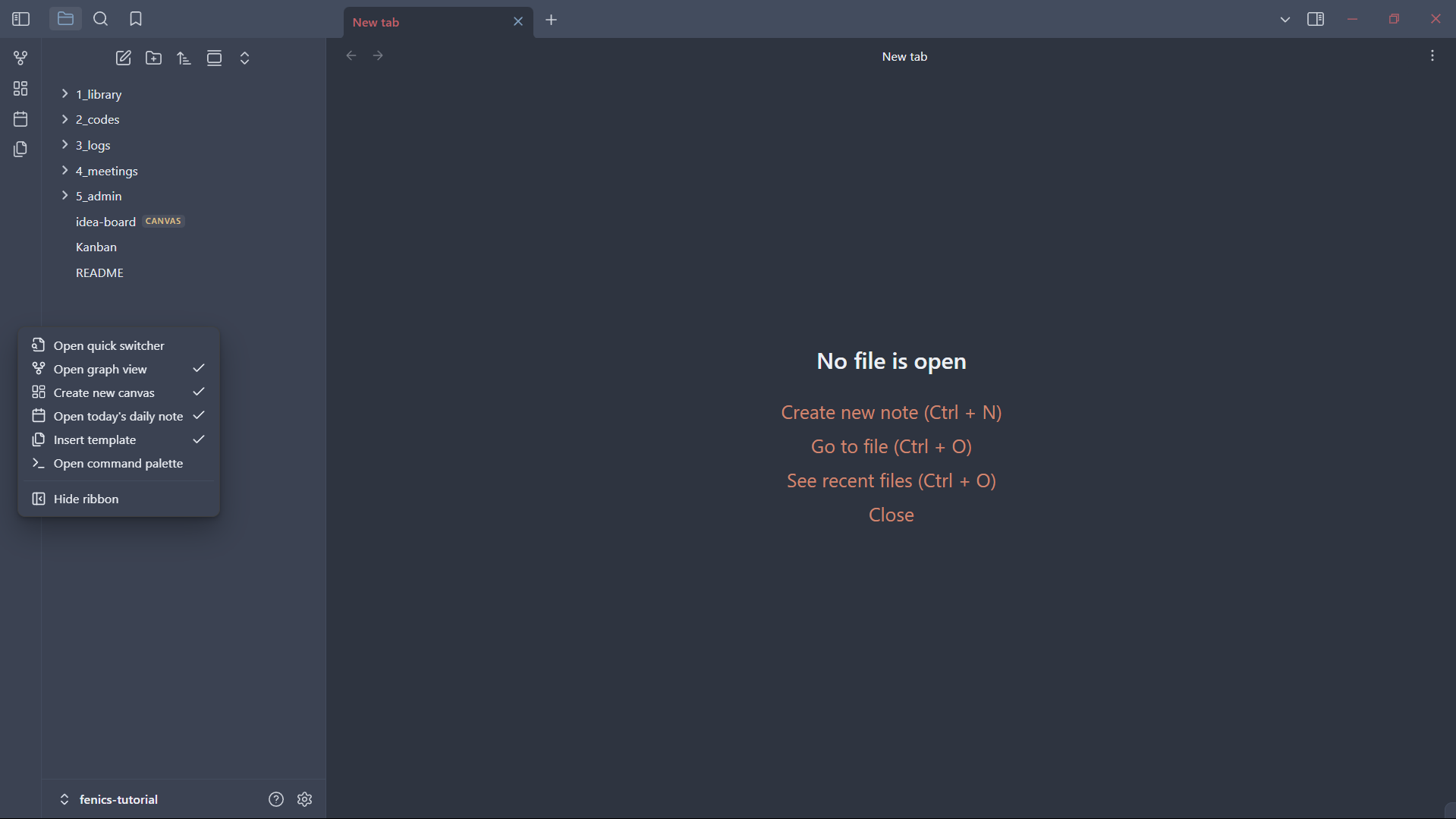
After installation, you’ll be greeted with the welcome screen where you can create or open a Vault — this is where all your notes will be stored.
How Obsidian is Used at Avkalan Labs
Obsidian plays a key role in our research and documentation workflow. It acts as the central knowledge hub that connects different parts of your work — from raw data and simulations to insights and conclusions.
Here’s how it’s typically used:
Documenting Studies Each simulation or research task has its own folder inside your vault. You record the purpose, setup, parameters, and outcomes — making it easy to revisit or reproduce later.
Compiling Results You can paste plots, screenshots, or result summaries directly into markdown notes. This keeps your results tied to the context of the study rather than scattered across files.
Adding Notes and Insights Use daily notes or linked pages to jot down ideas, references, and observations during your work. Over time, these connections form a network of knowledge you can easily navigate.
Creating a Central Project Database Obsidian allows you to build a structured vault that includes folders for documentation, resources, ongoing studies, and conclusions — effectively becoming the internal knowledge base for your project.
Supporting Team Communication Notes from Obsidian can be shared with your team via GitHub or exported as PDFs. This ensures that everyone stays aligned on study progress, assumptions, and conclusions.
Summary
You’ve now installed and understood the purpose of Obsidian — your personal and team documentation tool.
In summary, Obsidian helps you:
- Keep your project notes, ideas, and results well organized
- Build a connected database of all studies and observations
- Compile reports and conclusions directly from your simulation logs
- Share structured knowledge with your team
It becomes the digital workspace where technical understanding grows over time — connecting every simulation, study, and note into a cohesive research archive.
In the next section, we’ll cover how to use Obsidian effectively — including creating notes, linking information, and organizing your research vault for smooth daily workflow.