Go to Tools → options → General → Advanced
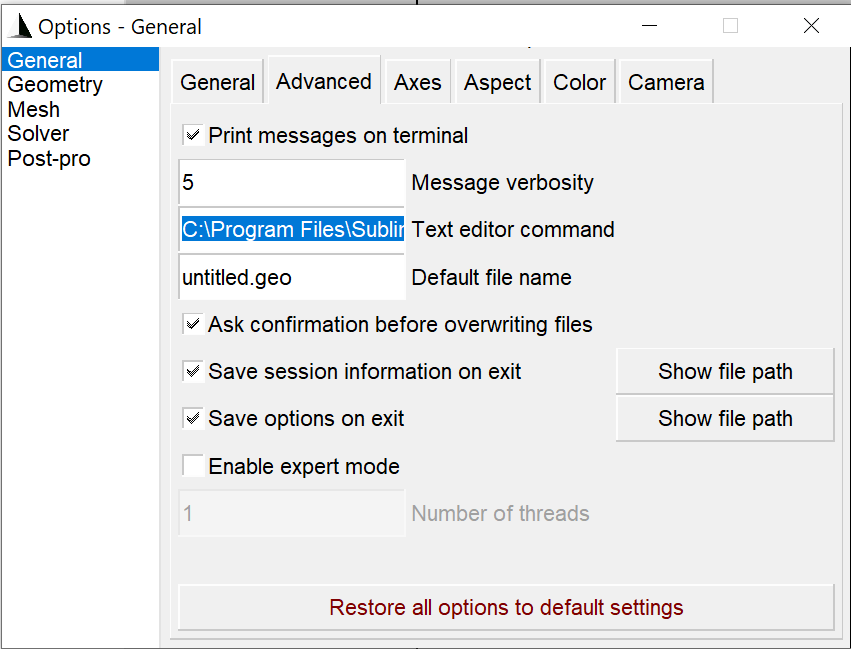
Windows Paste the following in Text Editor command
C:\Program Files\Sublime Text 3\subl.exe %s
on a Mac type the following command
/Applications/Sublime\ Text.app/Contents/SharedSupport/bin/subl %s
On Linux type
subl %s
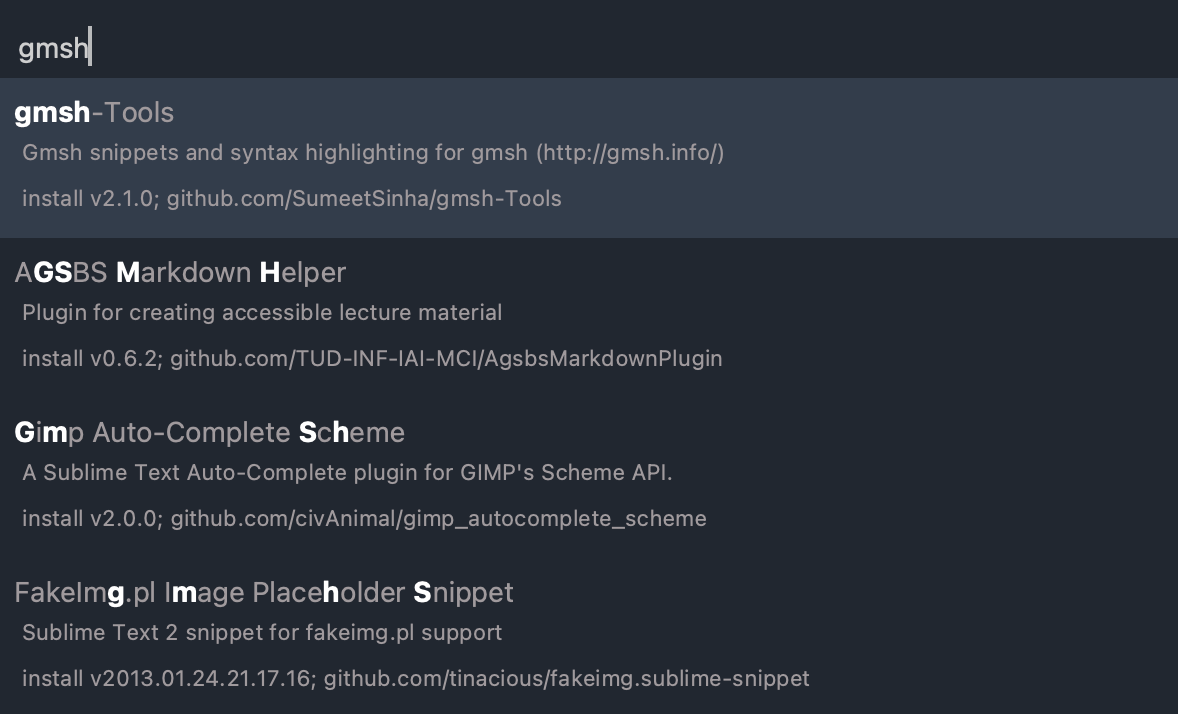
Goto sublime and open package manager and install gmsh-Tools
After installation open a geo file and on the bottom right click on Plain text and go to Open all with current extension as ... → gmsh.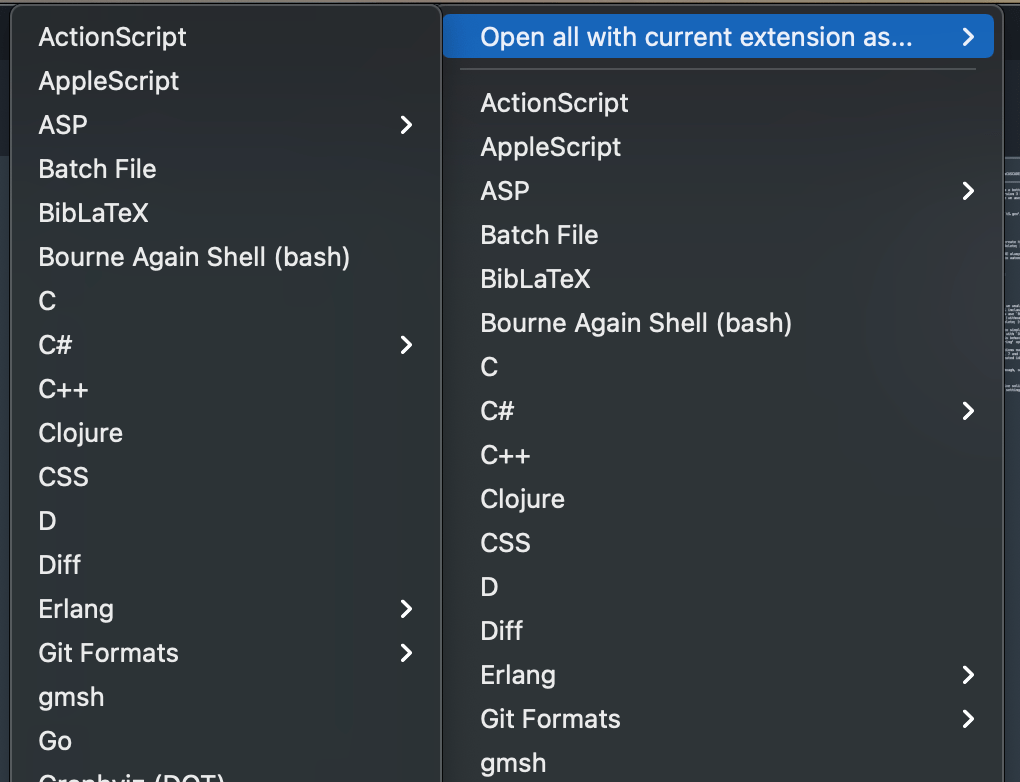
Now you will get color coded gmsh files